

On SmartCustomer, businesses may not offer incentives or pay to remove reviews. Learn more about our Review Guidelines.

Punchbowl Reviews Summary
Punchbowl has a rating of 3.8 stars from 881 reviews, indicating that most customers are generally satisfied with their purchases. Reviewers satisfied with Punchbowl most frequently mention birthday party, guest list and customer service. Punchbowl ranks 1st among Event Planning sites.
We monitor reviews for authenticity

Excellent site to work with and all my guest thought it was so great when they got the invitation
Thanks
You can have a invitation for free and then they help you to count how many people is confirmed.
Means a lot in the process to buy food
I love this website - I will only be using this website for future e-vites!
I am excited to see what the card options hold.
This is a wonderful program, especially for people like
Myself who cannot do something like this on her own!
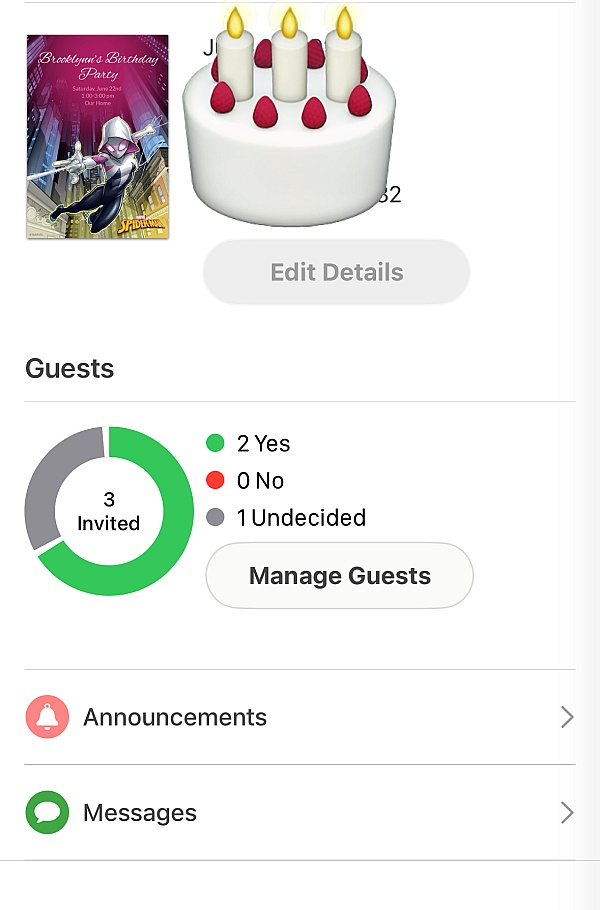
I recently used the Punchbowl app to send birthday invitations and was very happy with my experience. Very easy to use, and a wide variety of design options available. Also really liked being able to receive RSVPs in real time. Would definitely recommend!
Have used this app to plan my daughter's Birthday invites. Who really has time to write and mail out these days!
Loved the creative virtual invitations very stress free
Process loved it! -Ty
I've now used this service a couple of times for invitations and find it very user friendly and I like that I can make the invitation my own style. I can add my own pictures, background colours, etc. and it keeps track of who's replied yes or no! I don't have to do a thing.
Everyone got their invitation and showed up to the party and we had an amazing night thanks too you guys
Punchbowl was very easy to use. My invitations were beautiful. Everyone enjoyed receiving invitations and reminders. Plus, I was able to send out a thank you note to all my guests.
Not only is this service free, there is a great selection of invitations to choose from. Being able to personalize them and add pictures of your choice is a plus. They also save your invite list and gives you an option to receive RSVP's and feedback from your guests. I would recommend this service to all my friends and family.
This app has everything you need to plan a party for inviting guests to writing thank you's and it makes life easier
I love the fact I will never have the hassle of buying invitations, filling them out and then waiting for a response. This app is super efficient and necessary for planning events.
Punchbowl was organized very well and helped me plan a
Perfect party. Thank you!
Great way to invite many people digitally and get an immediate response. Also, you can send out a reminder several days before your party and confirm your total number of guests.
I have used the app a couple of different times and absolutely love it! It's a great way to get your invitation out to guest easily and to keep in contact with them regarding the event. The reminders are great as well!
It was awesome! They got it all, best part it was free, and easy to send!
I have used Punchbowl for two events, most recently, for a Mardi Gras party.
Their selections and presentation are very classy.
I received several compliments from my invitees.
I've been hesitant to use email invitations, until my daughter told me about Punchbowl! They make planning, communication and attention to details so efficient!
I'll only use Punchbowl for invitations and their greeting cards are beautiful too.
The thank you and birthday cards are so much better than sending a regular email.
Punchbowl is a super convenient and fun way to send invites. This user friendly app takes the hassle out if purchasing and mailing your formal invitations. I love it! Nothing is easier than this I will definitely be using this app again.
From the business
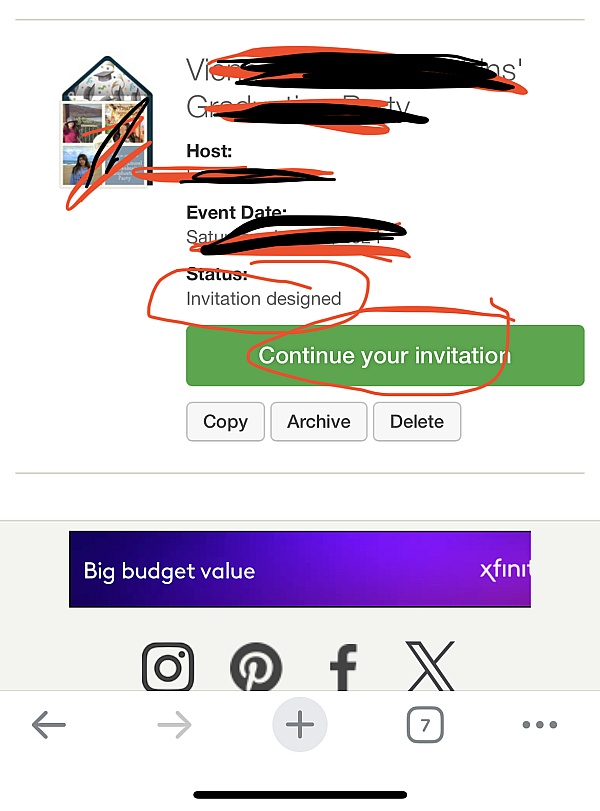
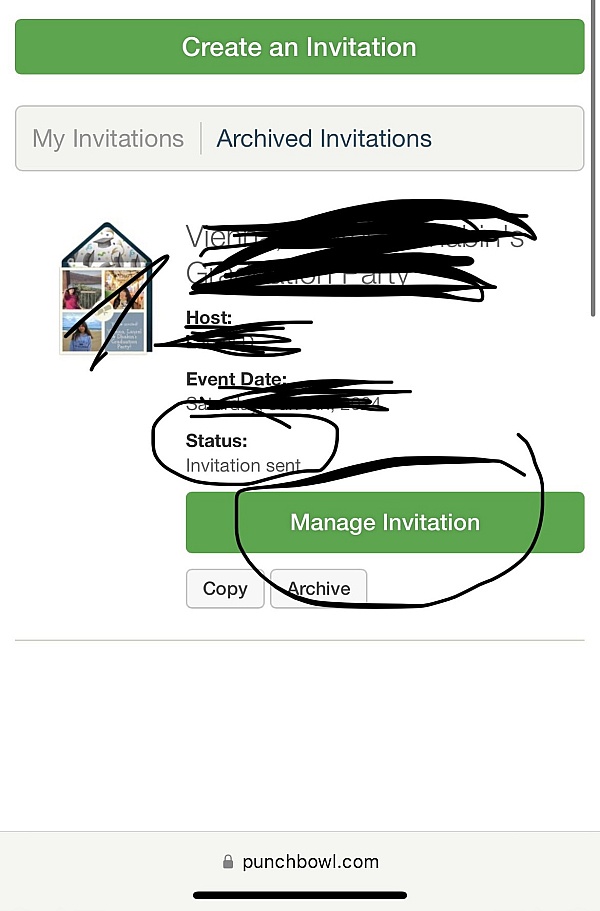
Punchbowl makes it easy to create and send beautiful, free online invitations and digital greeting cards from your phone, tablet or desktop.


See reviews as you browse!
Get the Chrome Extension.
Add Extension
- SmartCustomer’s sole mission is to increase online transparency for buyers and businesses
- SmartCustomer has helped over 200M buyers make better purchasing decisions online
- Suspicious reviews are flagged by our algorithms, moderators, and community members




- SmartCustomer’s sole mission is to increase online transparency for buyers and businesses
- SmartCustomer has helped over 200M buyers make better purchasing decisions online
- Suspicious reviews are flagged by our algorithms, moderators, and community members