

On SmartCustomer, businesses may not offer incentives or pay to remove reviews. Learn more about our Review Guidelines.

Punchbowl Reviews Summary
Punchbowl has a rating of 3.8 stars from 881 reviews, indicating that most customers are generally satisfied with their purchases. Reviewers satisfied with Punchbowl most frequently mention birthday party, guest list and customer service. Punchbowl ranks 1st among Event Planning sites.
We monitor reviews for authenticity

I sent an invitation for a birthday celebration and got great response because of the way I could send it and the invite itself.
Our Super Bowl Party was a success and we thank Punchbowl for the success in planning the party, because it helps with absolutely everything from invites to potluck rsvp's and even the thank you notes after the party was a huge success!
I really enjoyed the experience of having everything organized and convenient, the value of the service
And the customer service was excellent. Thank you
I used it for the first time and it was seamless, great job punchbowl team!
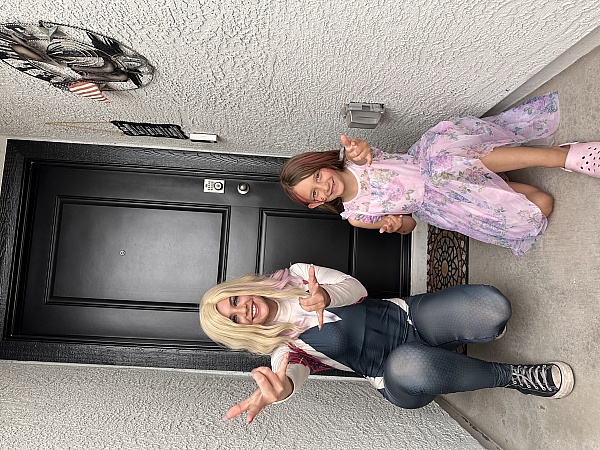
I love that there was so much options for my son's and daughter's superhero theme and to design it too and after remind me to send thank you letters
Easy to use, lots of choice, built in reliability, attractive and deliverable by text or email, Punchbowl comes highly recommended. I was able to send out 50+ invitations and manage the RSVP list quickly and easily. Party-goers, who ranged in age from 25 to 85, had no complaints either. Thanks, Punchbowl, for helping make John's big birthday a success!
I used the Punchbowl app to send invitations for a Baby Shower. Everything was organized, easy to follow, and the guests had no problem with the replies. There was a nice choice of invitations to use.
I really recommend this app you save money, because you need to be buying invitations cards and also you save time with only one click you send right away your invitations to everyone
Great way for working parents to send out party invitations. Easy to use, quick and convenient!
This was my first experience with punchbowl in planning my grandson's 13th birthday party at Urban Air. They made the planning effortless for me yet very productive & efficient. I was extremely pleased with them from the initial planning, implementation, complete product as well as followup. I would definately recommend their services & look forward to using their services again for future events!
The app is awesome! User friendly and you can use for free and if you want other designs you can pay. It's really a great app I have been using it for awhile now.
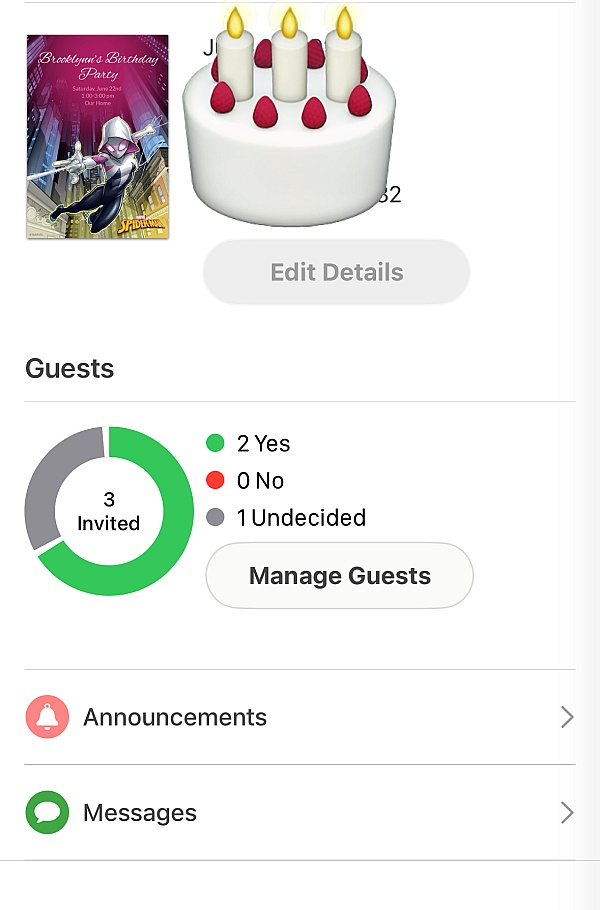
Easy to use invitation process. I like that you can see if people open the invitation and they can RSVP and the site tracks it all for you. I also like the ability to message the recipients as well.
There was a design I loved and it was easy to navigate
I love how fast and effective this app worked! All my friends got the invite and they were able to see my announcements too which I loved! Mahalo!
Every year we use Punchbowl for are invites for the year with so many great options you can't go wrong on there website. I love it
I was able to invite my guests effortlessly, by using Punchbowl. I sent the invitations via text, which is the preferred method for most of the invitees. I like punchbowl because I not only get responses, but I'm able to view who and when it was initially viewed, with or without a response at all. The designs are wonderful, I can alter the fonts and create the perfect invitation easily.
I've used this several times for a housewarming and 2 or 3 birthday parties. It is so helpful to everyone because it helps them with saving the date.
Excellent choice of cards. Easy to navigate. I loved the follow-up thank you cards. Would highly recommend.
From the business
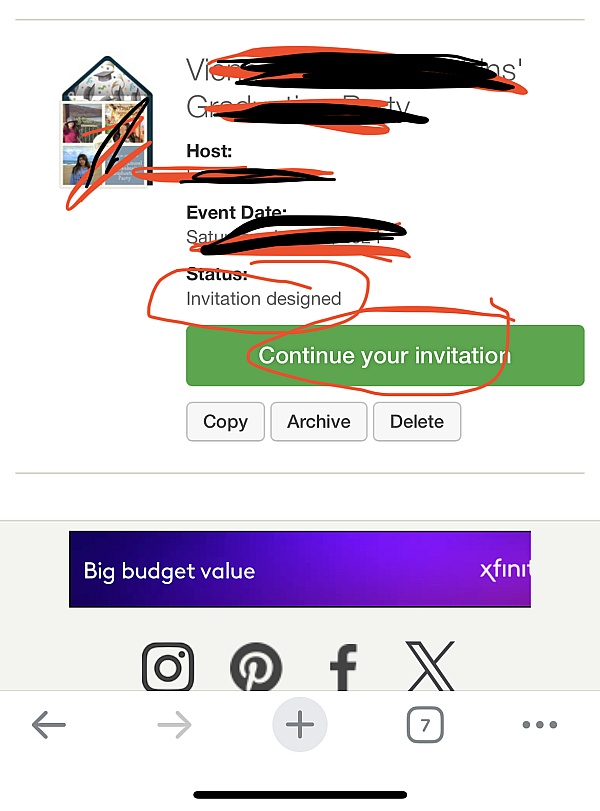
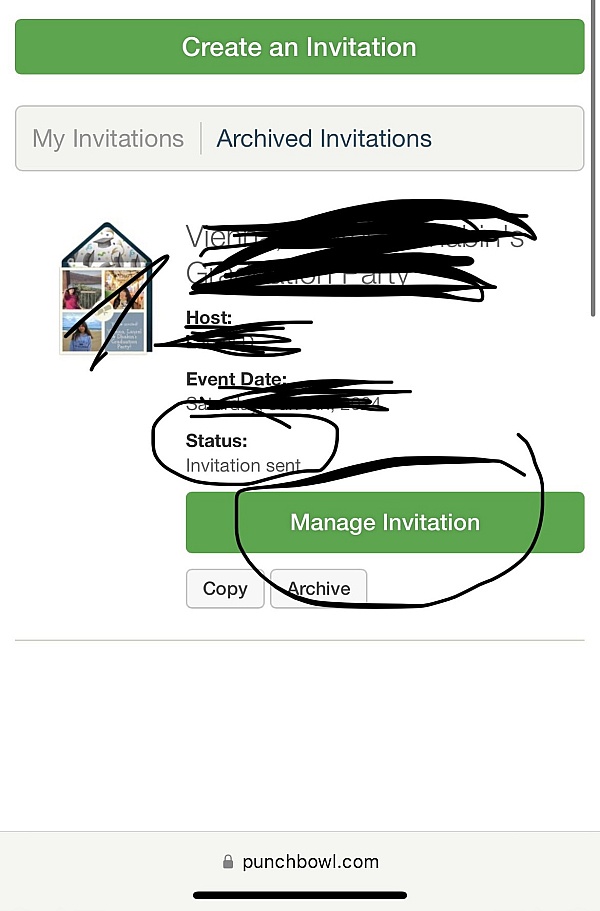
Punchbowl makes it easy to create and send beautiful, free online invitations and digital greeting cards from your phone, tablet or desktop.


See reviews as you browse!
Get the Chrome Extension.
Add Extension
- SmartCustomer’s sole mission is to increase online transparency for buyers and businesses
- SmartCustomer has helped over 200M buyers make better purchasing decisions online
- Suspicious reviews are flagged by our algorithms, moderators, and community members



- SmartCustomer’s sole mission is to increase online transparency for buyers and businesses
- SmartCustomer has helped over 200M buyers make better purchasing decisions online
- Suspicious reviews are flagged by our algorithms, moderators, and community members