

On SmartCustomer, businesses may not offer incentives or pay to remove reviews. Learn more about our Review Guidelines.

Punchbowl Reviews Summary
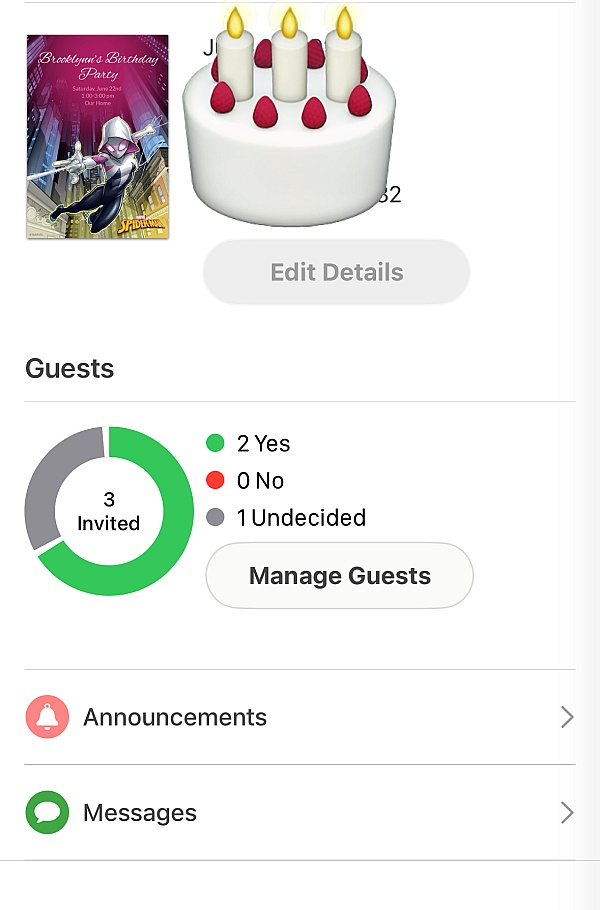
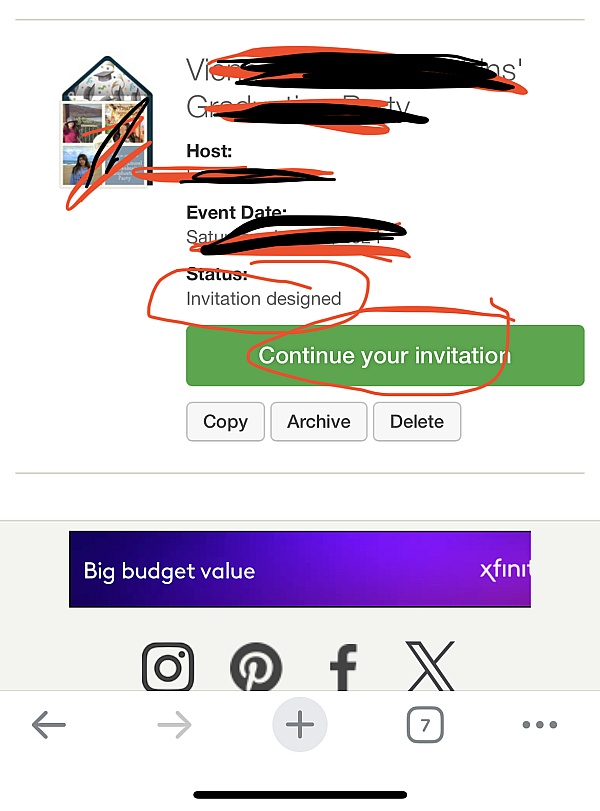
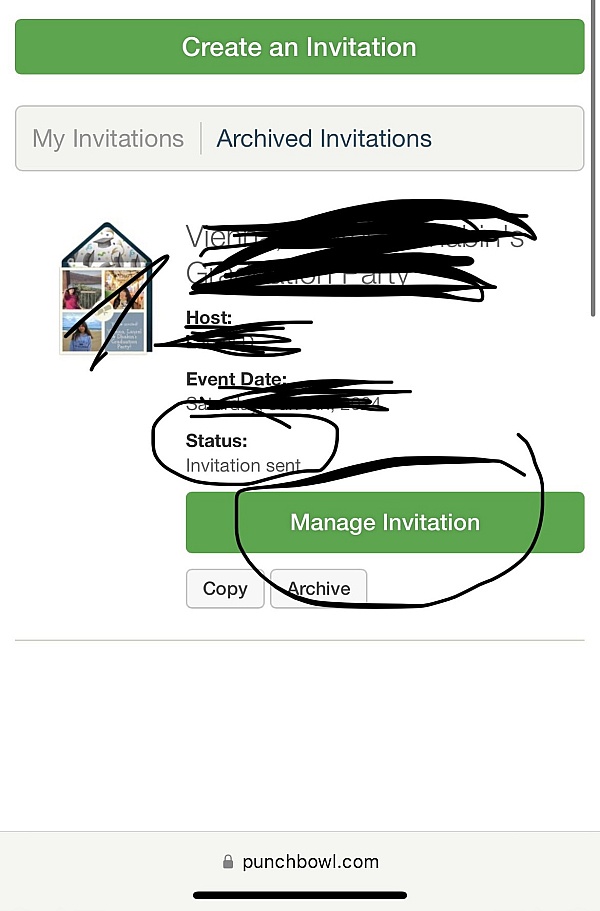
Punchbowl has a rating of 3.8 stars from 881 reviews, indicating that most customers are generally satisfied with their purchases. Reviewers satisfied with Punchbowl most frequently mention birthday party, guest list and customer service. Punchbowl ranks 1st among Event Planning sites.
We monitor reviews for authenticity

Punchbowl is amazing! It is incredibly user friendly and has
Lovely creative designs for every occasion. I highly
Recommend it to anyone looking to send online invitations.
Loved the software, and provided a great way to contact
Everyone for the event, as well as cancelling the event due
To Covid-19. Punchbowl is a great little app (coming from a
System developer perspective).
I love being able to send my family and friends invitations, and or birthday/ holiday cards virtually. It is so much more personal then a pictured text. Best of all there are so many options to choice from, and formats to personalize your message.
Very Easy to use straightforward and clear on how to add or deleted details within the invite, Good options to personalize the invite. Great theme options available for all age groups and gender.
The use of Punchbowl was super easy and friendly fir my guests to use
It saves time and stamps. Also no one saves a card and then remember a date. With this app there is an automated reminder. I was able to get an answer right away to get ready with the number of guest. Best of all there are a variety of free cards to choose from.
So easy to set up invites and a variety to choose from. It was great to send lil reminders and quick messages about the party all with one push of a button. Thank you for making it user friendly.
I always set up birthday invitations through Punchbowl. Super easy and cute. I don't longer need to buy cards at the store or call people on the phone. With a quick click, I can send reminders or insist for RSVPs! Love it.
Very easy to use. I liked the designs. I ordered the envelopes that were lined for an upcharge. I didn't realize I would have to put the liners on myself. Other than that I was very happy with over all process.
It was easy to make and send out invites for a birthday party with Punchbowl. I got several comments that the invitees appreciated getting a cute invite via email and could just RSVP via email. I will definitely use Punchbowl again!
Love how easy it was to send invites, receive RSVP
Notifications and print a detailed guest list. I will ALWAYS
Use Punchbowl for Evites! And the selection of invitations
Is fantastic!
Website easy to use. Attendees were pleased with using it also.
Punchbowl upgraded our event planning, boosted our attendance, and made us look polished and professional to our customers. It also made it easier to follow up throughout the process. Thank you!
I have always used those free evites and was hesitant to spend money to use Punchbowl but it was worth it. I personally feel the designs are nicer. And Punchbowl has a lot of features the free evites do not. For example, you can see if and when people view the invitation. This is helpful because sometimes the invitations go to spam. You can resend invites to specific guests, send reminders, allow a specific number of additional guests, send messages, allow guests to view the guest list or not, add a potluck, and much more.
My experience using Punchbowl was quick and easy. I will definitely be using this app again! It had so many options to choose from!
Everything was perfect, download the app and you get cool invitations for free! Its as easy as that. Love it I use it every year for my daughters birthday party. Our friends us it also.
From the business
Punchbowl makes it easy to create and send beautiful, free online invitations and digital greeting cards from your phone, tablet or desktop.



See reviews as you browse!
Get the Chrome Extension.
Add Extension
- SmartCustomer’s sole mission is to increase online transparency for buyers and businesses
- SmartCustomer has helped over 200M buyers make better purchasing decisions online
- Suspicious reviews are flagged by our algorithms, moderators, and community members


- SmartCustomer’s sole mission is to increase online transparency for buyers and businesses
- SmartCustomer has helped over 200M buyers make better purchasing decisions online
- Suspicious reviews are flagged by our algorithms, moderators, and community members