

On SmartCustomer, businesses may not offer incentives or pay to remove reviews. Learn more about our Review Guidelines.

Punchbowl Reviews Summary
Punchbowl has a rating of 3.8 stars from 881 reviews, indicating that most customers are generally satisfied with their purchases. Reviewers satisfied with Punchbowl most frequently mention birthday party, guest list and customer service. Punchbowl ranks 1st among Event Planning sites.
We monitor reviews for authenticity

Thanks to Punchbowl I easily invited guests to a very special 80th birthday party.
The invitation I chose, from several others offered, fit my theme exactly. The Invitees
Quickly opened my invitation and responded immediately. Following the party date, I was
Notified by Punchbowl I could send a thank you to each person. This time I chose to upload
A picture of the birthday boy playing the guitar he received as a group gift. It was great.
Lots of fun working through Punchbowl. Very user friendly. If you want to save money
By not buying and mailing paper invitations and know quickly who will be attending then
Turn to Punchbowl.
Super easy for getting last minute invitations to our guests
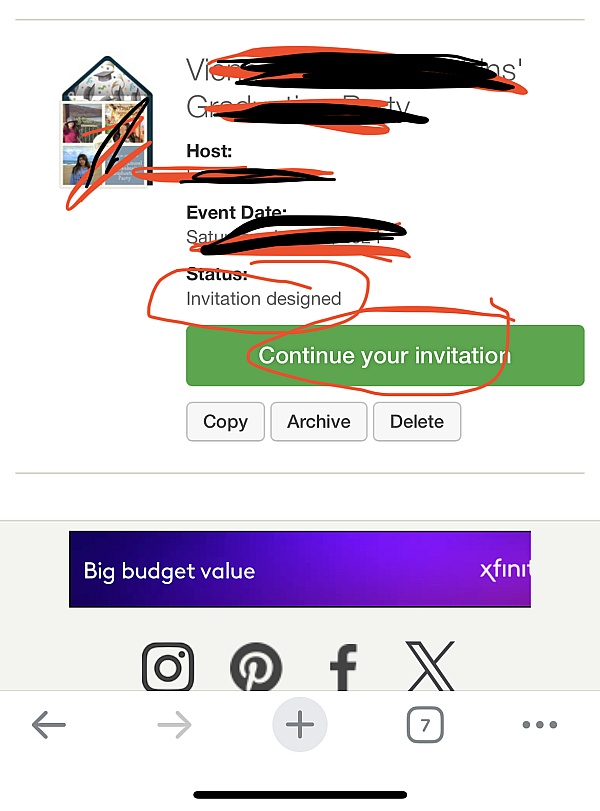
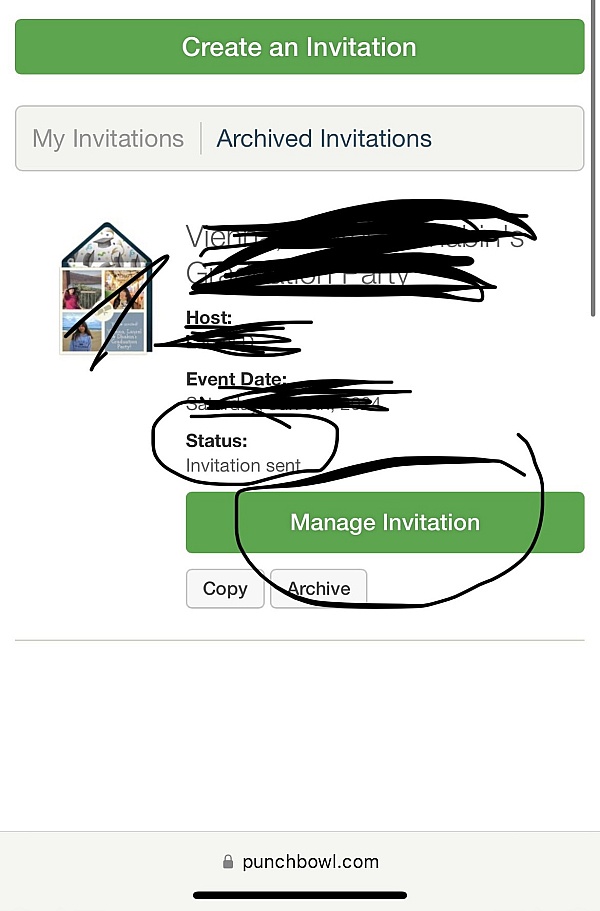
For our rescheduled wedding. It was great that we could see who open the invitation and who hadn't to make sure everyone got it.
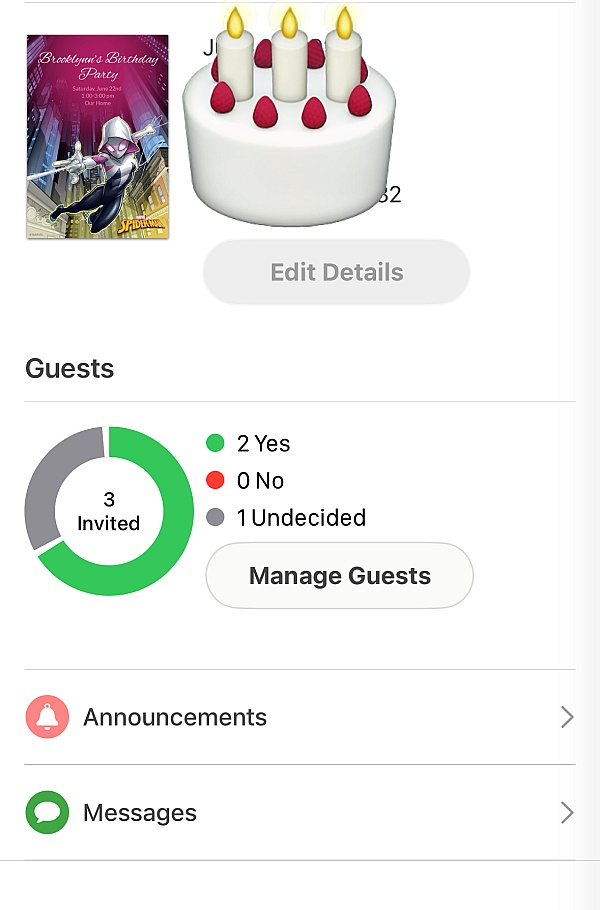
Punchbowl made it so easy to first create super cute invites for my daughter's 4th bday, and then it made it super easy to send them out and keep track of the people that were going to the party. It was very convenient and simple to use, over all a great app!
Creative and Innovative online invitations; well-defined and easy to use tools to manage responses and communication with guests at events and parties.
So happy to have found Punchbowl! In planning my daughter's baby shower, I found Punchbowl had great designs and their site was easy to work with compared to some of the other sites I tried :)
We use Punchbowl for every larger gathering! They have so many options and the graphics are displayed so well. Tracking RSVP's and sending announcements is so easy. I also love that you can forward to a group and have people add their own emails if you don't already have them. I had to do this recently for a work party.
I've used the app about 4 times this year and I love it! So simple to use.
I love using Punchbowl. The app is easy to download and the invitations and thank your are great.

My book club friends where excited to receive our book discussion invite which created fun and excitement.
It has very fun invitation templates to choose from! It was very easy to follow directions! Will definitely use again!
Save money and time. Easy to make just write information and choose contact and send, confirmation thru invitation. Also you get notifications for attendees and day or reservations.
I fully recommend this product. As a people Manager ot has been very helpful for me in organizing events, for Rewards and Recognition, Birthday greetings, and even used it to wish someone well after being absent for a few days due to sickness.
My staff, and people I sent it yoo are amazed of the product and the way they receive it. Especially during this time of the pandemic this has been a great tool to use.
I use this service for my grand daughter 3rd birthday party, this is the best thing to happen to me!
It was great in this new normal have the opportunity to coordinate my girl party thank you Punchbowl
They have a great selection and it's so simple to do. Everyone received the invites and the rsvp were easy.
I loved the variety of card options available to choose from for free with app. Very easy to use and free!
I've used Punchbowl for years. It's easy and has lots of useful features. It's a good value for the money, even if you host only a couple of events a year.
Used it for my wife's birthday and loved it. Easy for guests to accept or deny, add a person they're bringing and even add more guests as the date approached.
From the business
Punchbowl makes it easy to create and send beautiful, free online invitations and digital greeting cards from your phone, tablet or desktop.



See reviews as you browse!
Get the Chrome Extension.
Add Extension
- SmartCustomer’s sole mission is to increase online transparency for buyers and businesses
- SmartCustomer has helped over 200M buyers make better purchasing decisions online
- Suspicious reviews are flagged by our algorithms, moderators, and community members




- SmartCustomer’s sole mission is to increase online transparency for buyers and businesses
- SmartCustomer has helped over 200M buyers make better purchasing decisions online
- Suspicious reviews are flagged by our algorithms, moderators, and community members