

On SmartCustomer, businesses may not offer incentives or pay to remove reviews. Learn more about our Review Guidelines.

Punchbowl Reviews Summary
Punchbowl has a rating of 3.8 stars from 881 reviews, indicating that most customers are generally satisfied with their purchases. Reviewers satisfied with Punchbowl most frequently mention birthday party, guest list and customer service. Punchbowl ranks 1st among Event Planning sites.
We monitor reviews for authenticity

Everything was simple, great and easy. Everyone loved the invitations and they loved the thank you cards thanks again for your help I really appreciate it.
Great App! Easy to communicate, share, and rsvp. The toughest part of party planning is organizing the guest list and ensuring you have enough food and gifts for the guests. You changed that for me. Thank you!
Great selection of invites, especially characters/shows for kids! Most other sites offer generic invites (birthday cake, balloons, etc) but I was able to find my sons party theme and add his photo! Easy to manage party via the app, and it's free! So amazing! Will do my excited with Punchbowl going forward!
Using punchbowl was super easy. The artwork was great and using the service is environmentally friendly.
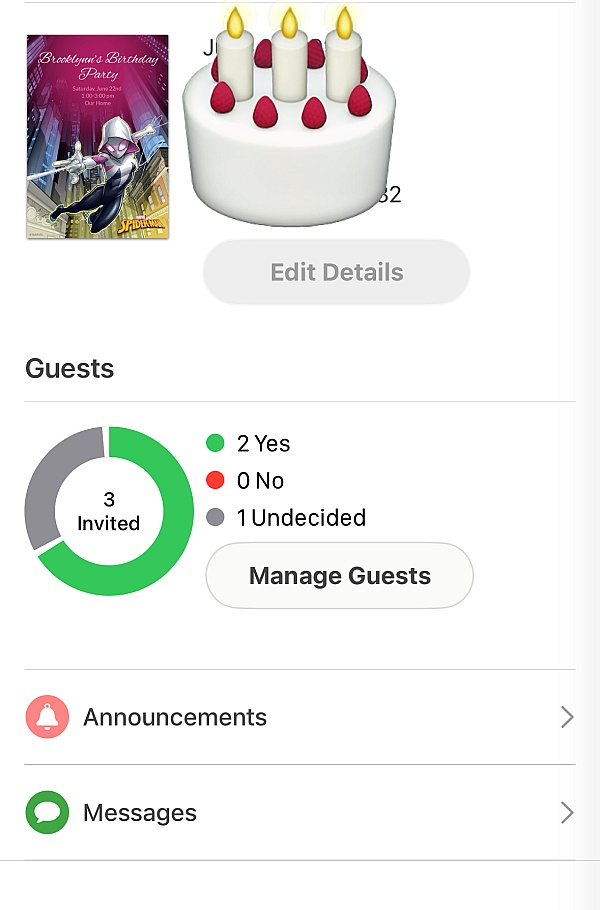
I started my party planning with the invitation process first to get a head count on how many guest will attend. Punchbowl allowed me to manage my guess list and answer questions my guest have individually and privately. Great App very useful.
The app was very convenient and easy I was able to send my daughters invites quick and it notified me when someone responded
This was the 1st time I had heard about Punchbowl, my event planner started the invite. The site was very detail and gave me the perfect invitation!
I have used Punchbowl both for free and via paid membership to help create custom invites. Both experiences have been positive.
My daughter picked her fav characters for the animation/ invitation and it lets the guest RSVP... I love it. Easy not complicated...
I found it very easy and intuitive using punchbowl not to mention fun designing my invitation. It was also easy to manage who was coming to my event and who was not. I will definitely use punchbowl again.
Punchbowl is great and easy to use. It has all the features you could want. I keep making invitations using Punchbowl and I love it!
Punchbowl is an easy to use, sustainable way to send out invitations and thank you notes. Lots of great designs for all occasions.

I love using Punchbowl! It's easy to use with a variety of cards to choose from for any occassion. It takes the stamp and having to mail invites out, out of the equation with a click of a button!
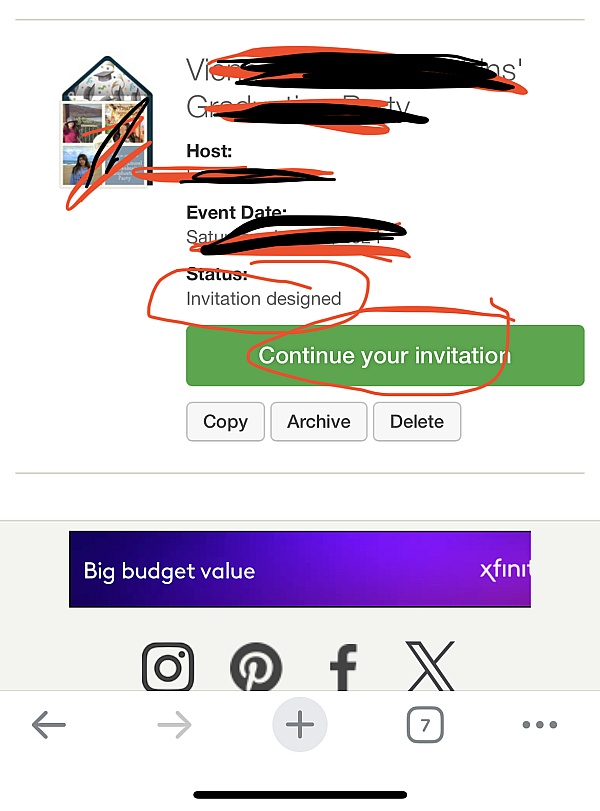
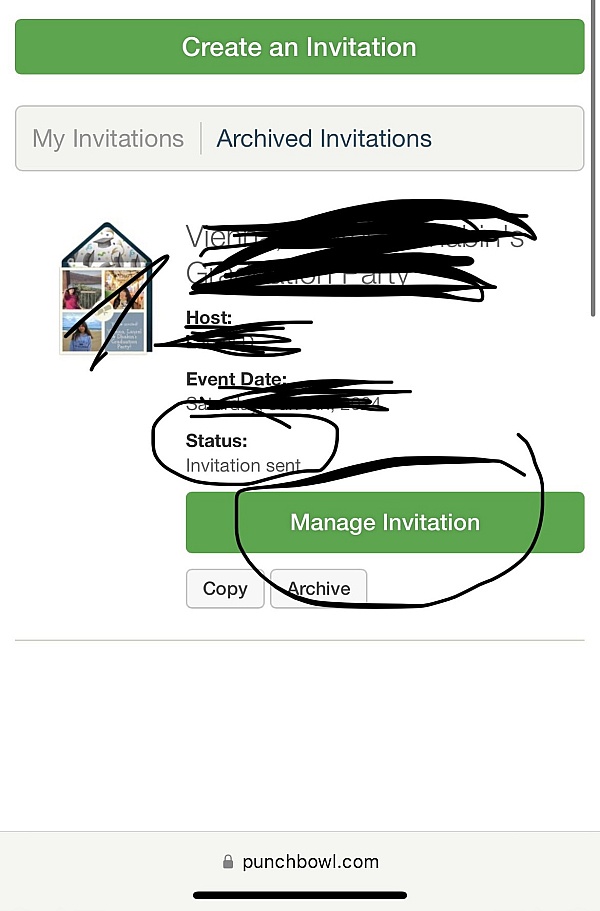
Searched for a quick way to get invites out online and saw a few offered. Checked out Punchbowl and was impressed with what they had to offer and great designs to choose from. The ease of design, editing and sending invites to guest was fun to do. When I sent the invite to my daughter, she was also impressed and said that some of her friends had also used Punchbowl and like it as well. Anyone who would be looking for a place to send online invites should check out Punchbowl.
I am really happy with punchbowl app. I recommend it 100%.
Punch bowl was so easy and fun too use!
I will definitely be recommending them I have already recommended punch bowl to friends and family

Easy to use, plenty of designs to choose from. I like the ability to upload a picture to personalize the cards.
One critique, can't get to thank you cards unless you access it it through the thank you reminder email. You might want to check that out.
The Punchbowl app is absolutely amazing and easy to use. I loved that I could send an announcement to all of my guests individually at one time. I was able to manage my guest list with the added features. My most favorite is the matching thank you cards that I sent to my guests the day after my event. Thank you Punchbowl for making the app so user friendly. I will definitely use it again for future events!
From the business
Punchbowl makes it easy to create and send beautiful, free online invitations and digital greeting cards from your phone, tablet or desktop.



See reviews as you browse!
Get the Chrome Extension.
Add Extension
- SmartCustomer’s sole mission is to increase online transparency for buyers and businesses
- SmartCustomer has helped over 200M buyers make better purchasing decisions online
- Suspicious reviews are flagged by our algorithms, moderators, and community members




- SmartCustomer’s sole mission is to increase online transparency for buyers and businesses
- SmartCustomer has helped over 200M buyers make better purchasing decisions online
- Suspicious reviews are flagged by our algorithms, moderators, and community members