
On SmartCustomer, businesses may not offer incentives or pay to remove reviews. Learn more about our Review Guidelines.

Safes.so Reviews Summary
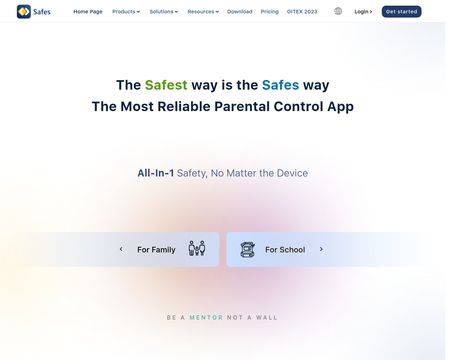
Safes.so has a rating of 5 stars from 1 review, indicating that most customers are generally satisfied with their purchases. Safes.so ranks 52nd among Spy sites.

Setting up parental controls on a Chromebook can help ensure a safer and more controlled browsing experience for children. Here is a step-by-step guide on how to set up parental controls on a Chromebook:
Create a supervised user profile: Open the Chrome browser and go to the settings menu. Under the "People" section, click on "Manage other people." From there, select "Add person" and create a supervised user profile for your child.

See reviews as you browse!
Get the Chrome Extension.
Add Extension
- SmartCustomer’s sole mission is to increase online transparency for buyers and businesses
- SmartCustomer has helped over 200M buyers make better purchasing decisions online
- Suspicious reviews are flagged by our algorithms, moderators, and community members
Similar businesses you may also like
See more Spy Businesses
- SmartCustomer’s sole mission is to increase online transparency for buyers and businesses
- SmartCustomer has helped over 200M buyers make better purchasing decisions online
- Suspicious reviews are flagged by our algorithms, moderators, and community members
SmartCustomer for Business
Gain trust and grow your business with customer reviews.
Claim your free account