
On SmartCustomer, businesses may not offer incentives or pay to remove reviews. Learn more about our Review Guidelines.

ProperSoft Reviews Summary
ProperSoft has a rating of 4.2 stars from 152 reviews, indicating that most customers are generally satisfied with their purchases. Reviewers satisfied with ProperSoft most frequently mention customer service, credit card and bank statements. ProperSoft ranks 2nd among Accounting Software sites.
We monitor reviews for authenticity

I downloaded and install CVS2QBO to convert some quickbooks on-line registers to quickbooks desktop pro registers. I had an issue mapping the debits/credits and Propersoft responded quicky and resolved my issue. I was successfully able to migrate the registers over saving countless hours on manual input using this tool.

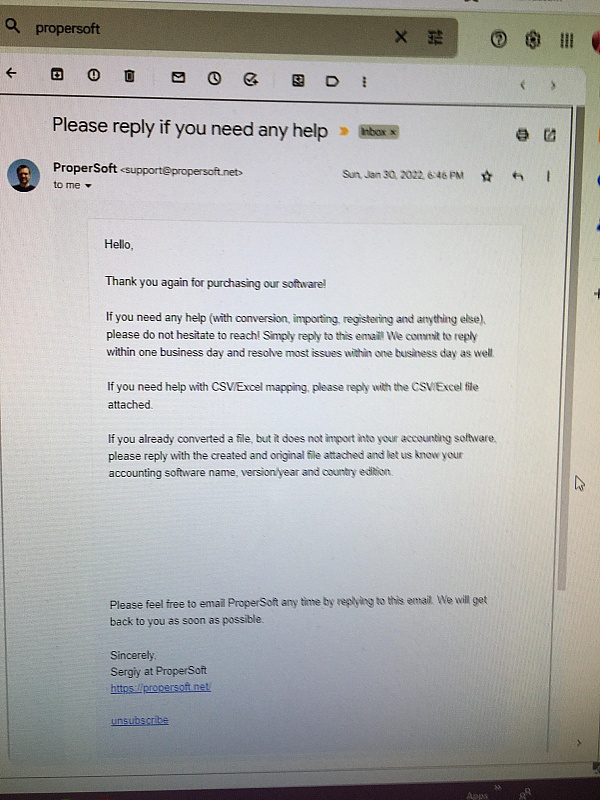
My experience with this company is that they provide quick and accurate response to support questions and that they are willing to help.

Thank you for your review, German.
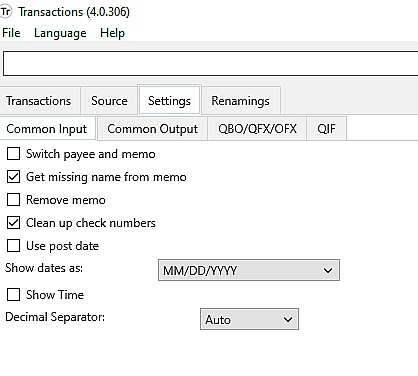
When I initially installed it I thought it wasn't working and missing records all over the place but with one email to their CS they showed me which setting I has wrong and it now works perfectly.
Thank you for your review, Greg.

I am able to download QFX files specific to a given account & convert easily Still learning the tricks but now know the file import has to be into the individual quicken account Got entries into wrong account once
Thank you for your review, Dave.
The software worked GREAT! Unfortunately, QB Online wasn't the product I expected. I will use your software for many other purposes.
Thank you for your review, Paul.
I needed a conversion application to be able to enter spreadsheet information from Excel to Quickbooks Desktop. I found this one, and it does the job, but it's not that easy. I had to try it several times (in a test company thankfully) to see exactly where and how things post. It has a lot of columns which I didn't need (some people will) and it's really basic.
On the positive side though, it works, and it's not expensive. So thank you!
Thank you for your review, Joanne.
Easy to use, user friendly, its great. I recommend it to anyone using quickbooks. A more thorough user guide would be nice, but its easy to figure out
Thank you for your review, Raul.
Very inexpensive software so that I can continue to extend the use of Microsoft Money. Have used it several times now and it converts data perfectly.
Thank you for your review, Barry.
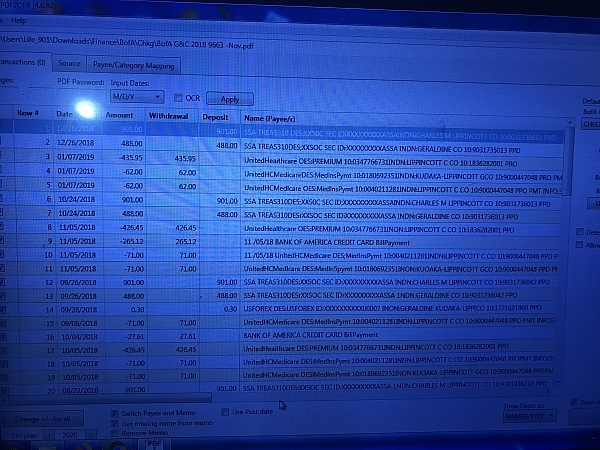
I have used the service to convert from PDF to CSV to QBO and QFX (and vice versa.) Works well for banks not offering native downloads, or where the bank's data is formatted incorrectly.
Thank you for your review, Anthony.
Bought the software for 40 $. Simple, user friendly and working perfectly when loading external transactions into Quicken. I recommend it.
Thank you for your review, Cosme.
This software will convert an excel CSV file into QFX format that can be imported into Quicken. Big time saver.
Thank you for your review, John.
I originally purchased a similar product from Money Thumb. Their stand alone CSV to QFX converter didn't have a trial of 10 built into the download. So, I purchased it on trust. It didn't work here in Canada easily. It only listed American Banks so I was had to go through their list on a trial by error basis to find a Bank that works like mine. It was just too difficult and I didn't want to go through their support people. I thought a simple converter should just work! It turned out I bought the wrong converter by mistake. I decided to just ask for a refund and in the mean time I found your product. Money Thumb would not refund my money. I went through what I would say was the most uncomfortable customer support process I have ever gone through with them. I decided to not pursue this with them and considered the $40.00 US I paid them a lesson learned. I don't think they were purposefully misleading but their process trapped me into their fine print of how they didn't reimburse a product just because you didn't like or want it.
Thank you for your review, Dale.
This does the QIF to QFX conversion very easily in just a few clicks. I am using a 2006 iMac and have no issues. The trial version will continue to do 10 transactions at a time but this became a hassle and I couldn't find any other Mac program that did this so easily. Four stars because the price seems a little high for a fairly simple program.
Thank you for your review, Curtis
Easy to use software. Very simple to setup, mostly automated, and can be completed with few clicks. Excellent service as well and responds even on a weekend.
Thank you for your review, Danilo.
For long-story reasons, I had months of credit card transactions that were missing from Quicken. I downloaded the PDF statements and scraped them into Excel documents, which I saved as CSV files. This software enabled me to import those files as QIF files (Quicken would not import the CSV files). The only problems I encountered were in the creation of the Excel files; the ProperSoft software worked perfectly.
Thank you for your review, Bob.
I first used the CSV2QIF on a PC with excellent results
Then got a MAC and changed to the CSV2QFX and it worked great as well.
Email support was quick and extremely helpful.
This app has saved me many hours of having to manually enter my transactions.
Thank you for your review, Carlos.
There are, like, ZERO ways for people on Macs to do these conversions. This is really the only option. Fortunately it works perfectly, and the few times I've needed support with a registration number or whatever, the developer Sergiy has responded and solved the issue immediately. And that's over the better part of a decade -- I need it once a year at tax time, but when I need it, I need it.
Thank you for your review, Brian.
We had a problem with online access to one of our credit card vendor accounts that resulted in our no longer being able to download transactions from that vendor directly into QBP. Ultimately, the data could only be downloaded as a *. Txt or *. Xls file format. In working with QBP Technical Support, it became apparent that there was no way to import that data into QBP. They recommended we try ProperSoft as a workaround solution. ProperSoft proved to be an inexpensive, easy, and fast solution to our problem. Very easy to implement. Just download, install, open the target file, and convert to a file easily importable into QBP. Very satisfied!
Thank you for your review, John.
I use the csv2qif converter the most. It has gotten me out a number of jambs in the past and saved me countless hours when I was unable to download my electronic data from my ban and had to convert the data from pdf statements. Over the past 6 years the program has been improved and my experience is the converters work flawlessly. Great program!
Thank you for your review, Carey.
This software is rally usefull for me! Its helps to make tasks quickly.
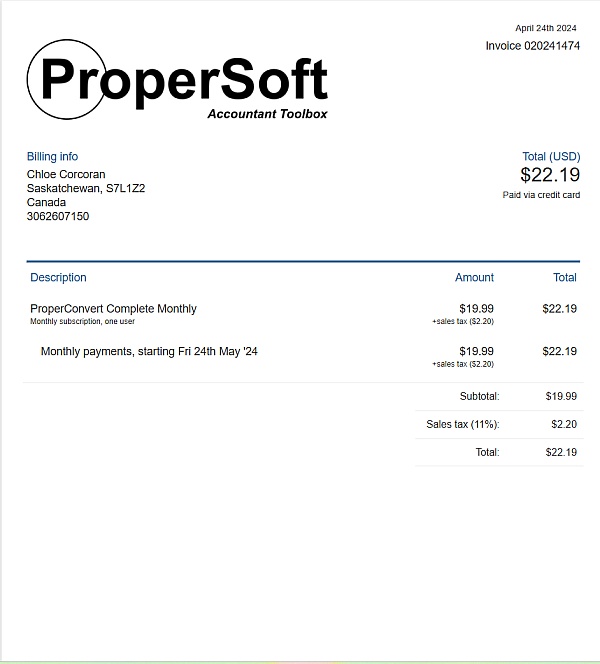
I dont received the InVoice, only the license. If I Recevie, I change the rating for 5 stars
Hello Joao, please check your email for the invoice.
From the business
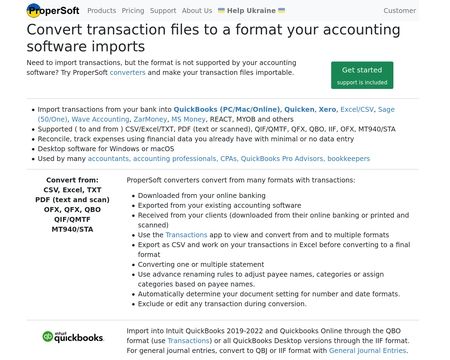
Convert transactions from one format to another and import into accounting software. For example, convert CSV to QBO, or PDF to QBO or Excel to QFX, or OFX to CSV. Make your transactions importable into Quickbooks, Quicken, MS Money, Xero, Sage One and others.

See reviews as you browse!
Get the Chrome Extension.
Add Extension
- SmartCustomer’s sole mission is to increase online transparency for buyers and businesses
- SmartCustomer has helped over 200M buyers make better purchasing decisions online
- Suspicious reviews are flagged by our algorithms, moderators, and community members



- SmartCustomer’s sole mission is to increase online transparency for buyers and businesses
- SmartCustomer has helped over 200M buyers make better purchasing decisions online
- Suspicious reviews are flagged by our algorithms, moderators, and community members
SmartCustomer for Business
Gain trust and grow your business with customer reviews.
Claim your free account
Thank you for your review, Ted.